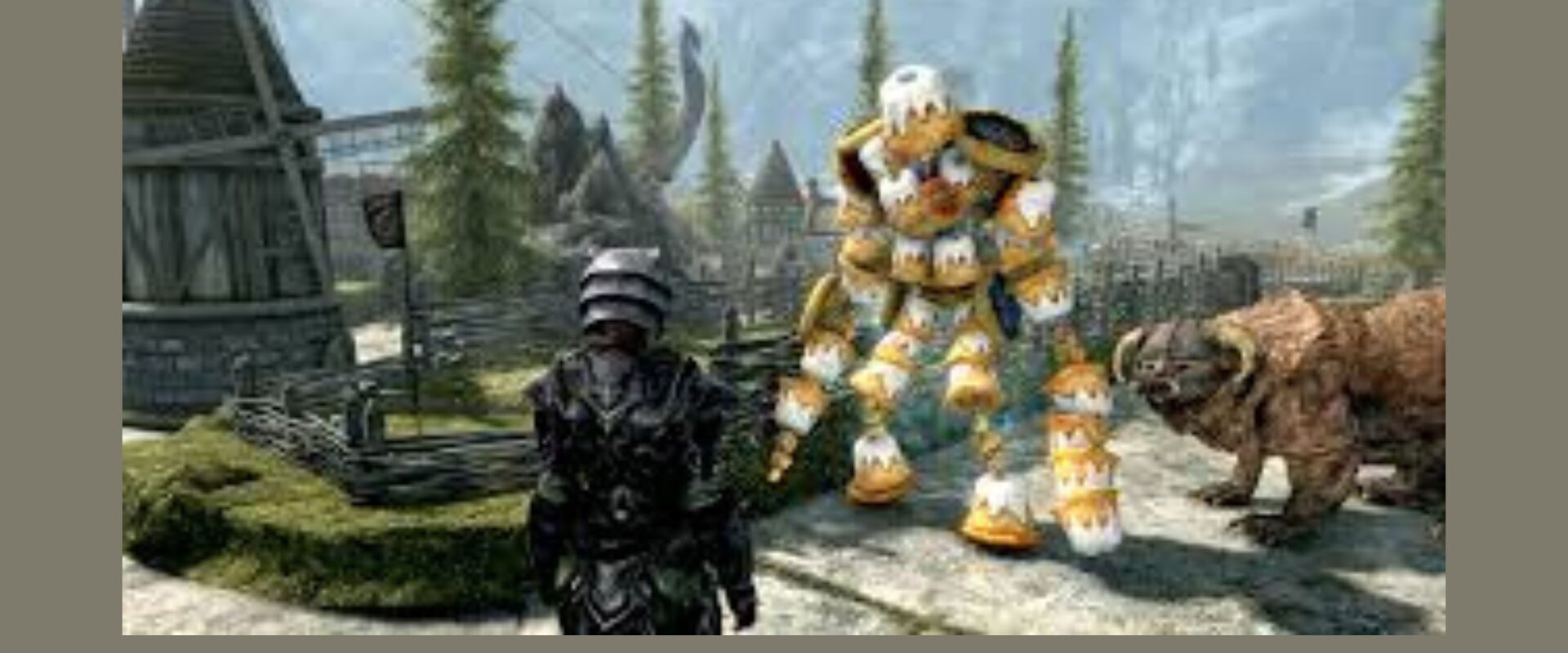
The Elder Scrolls V: Skyrim is arguably one of the most modded games in history. More than a decade after its original release, the modding community continues to breathe new life into the game with thousands of mods ranging from minor visual tweaks to complete gameplay overhauls. Whether you want sharper textures, new questlines, or a completely different combat system, modding Skyrim is easier than you might think. Here’s everything you need to know to get started.
What Is a Mod?
A mod (short for modification) is a user-created file that alters some aspect of the game. Mods can change how Skyrim looks, sounds, plays, or even add entirely new content — new weapons, armour, characters, locations, and storylines. The modding community around Skyrim is one of the most active in gaming, with platforms like Nexus Mods hosting over 70,000 mods for Skyrim Special Edition alone.
Step 1: Choose the Right Version of Skyrim
Before diving in, make sure you know which version of Skyrim you own. The most mod-friendly version is Skyrim Special Edition (SSE), available on PC via Steam. The Anniversary Edition is also supported, though some mods may require compatibility patches. The original 2011 release (referred to as “Oldrim”) has its own mod library but is largely outdated for new modders. For the best experience, stick with Special Edition.
Step 2: Install a Mod Manager
Manually dragging and dropping mod files into your Skyrim folder is a recipe for chaos. A mod manager keeps everything organised, allows you to enable or disable mods easily, and helps resolve conflicts between mods.
The two most popular choices are:
- Vortex — Developed by Nexus Mods, it’s beginner-friendly and integrates directly with the Nexus Mods website. Great for those just starting out.
- Mod Organizer 2 (MO2) — A more advanced option preferred by experienced modders. It keeps your base game files completely clean by running mods in a virtual file system.
For beginners, Vortex is the recommended starting point. Download it from the Nexus Mods website, install it, and link it to your Skyrim Special Edition installation.
Step 3: Set Up SKSE
Many popular mods require the Skyrim Script Extender (SKSE). This is a tool that expands the scripting capabilities of the game, allowing mod authors to create more complex and feature-rich mods. Head to skse.silverlock.org, download the version that matches your Skyrim build, and follow the installation instructions. Once installed, always launch Skyrim through SKSE rather than Steam to ensure mods that depend on it work correctly.
Step 4: Find and Install Mods
Nexus Mods (nexusmods.com) is the go-to platform for Skyrim mods. Create a free account, search for the type of mod you want, and click download. If you have Vortex installed, you can use the “Mod Manager Download” button and the mod will be automatically imported into Vortex.
Some great beginner-friendly mods to start with:
- Unofficial Skyrim Special Edition Patch (USSEP) — Fixes thousands of bugs the official patches never addressed. This should be the very first mod you install.
- Static Mesh Improvement Mod (SMIM) — Dramatically improves the look of 3D objects throughout the game world.
- SkyUI — Overhauls the clunky default inventory interface into something far more intuitive and usable.
- Relationship Dialogue Overhaul — Adds thousands of new lines of dialogue to NPCs, making the world feel much more alive.
- Immersive Armors / Immersive Weapons — Adds hundreds of lore-friendly armour sets and weapons to the game.
Step 5: Manage Load Order
When you run multiple mods, the load order determines which mod takes priority when two mods affect the same part of the game. Vortex handles basic load order automatically, but for more advanced setups, use a tool called LOOT (Load Order Optimisation Tool). LOOT analyses your mod list and automatically sorts them into the recommended order, reducing crashes and conflicts significantly.
Step 6: Test Before Going Too Deep
After installing a handful of mods, launch the game and test thoroughly before adding more. Start a new save specifically for your modded playthrough — adding or removing mods mid-game can cause instability. If the game crashes on startup, disable your most recently added mod and relaunch to identify the culprit.
Final Thoughts
Modding Skyrim is a genuinely rewarding experience that can make a decade-old game feel completely fresh. Start small, be patient, and don’t try to install 200 mods at once. Build your mod list gradually, understand what each mod does, and soon you’ll have a version of Skyrim that feels entirely your own. The community is friendly, documentation is plentiful, and once you start, it’s very hard to stop.
Hey Everyone! This is Mia Shannon from Taxes. I'm 28 years old a professional blogger and writer. I've been blogging and writing for 10 years. Here I talk about various topics such as Fashion, Beauty, Health & Fitness, Lifestyle, and Home Hacks, etc. Read my latest stories.